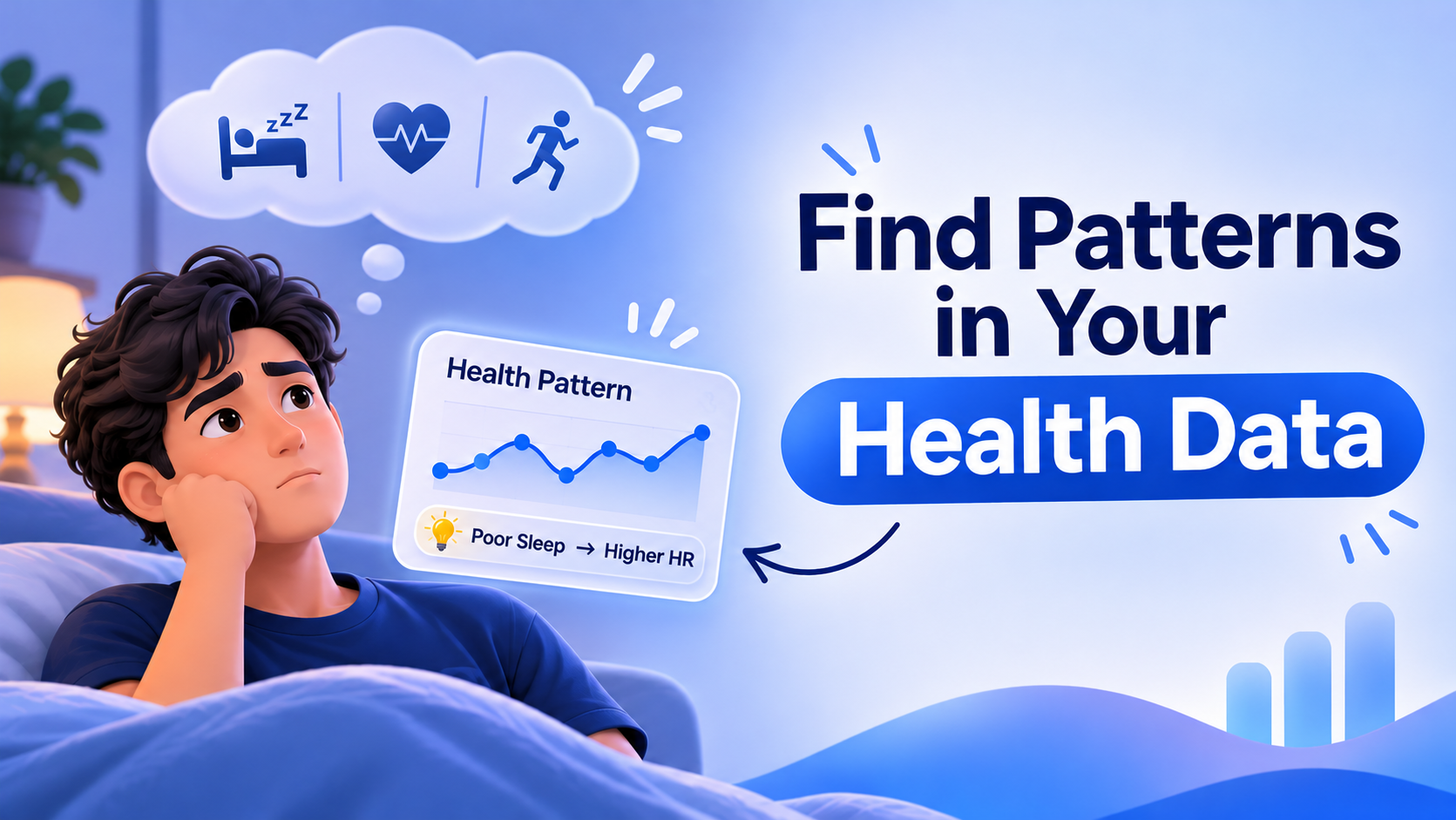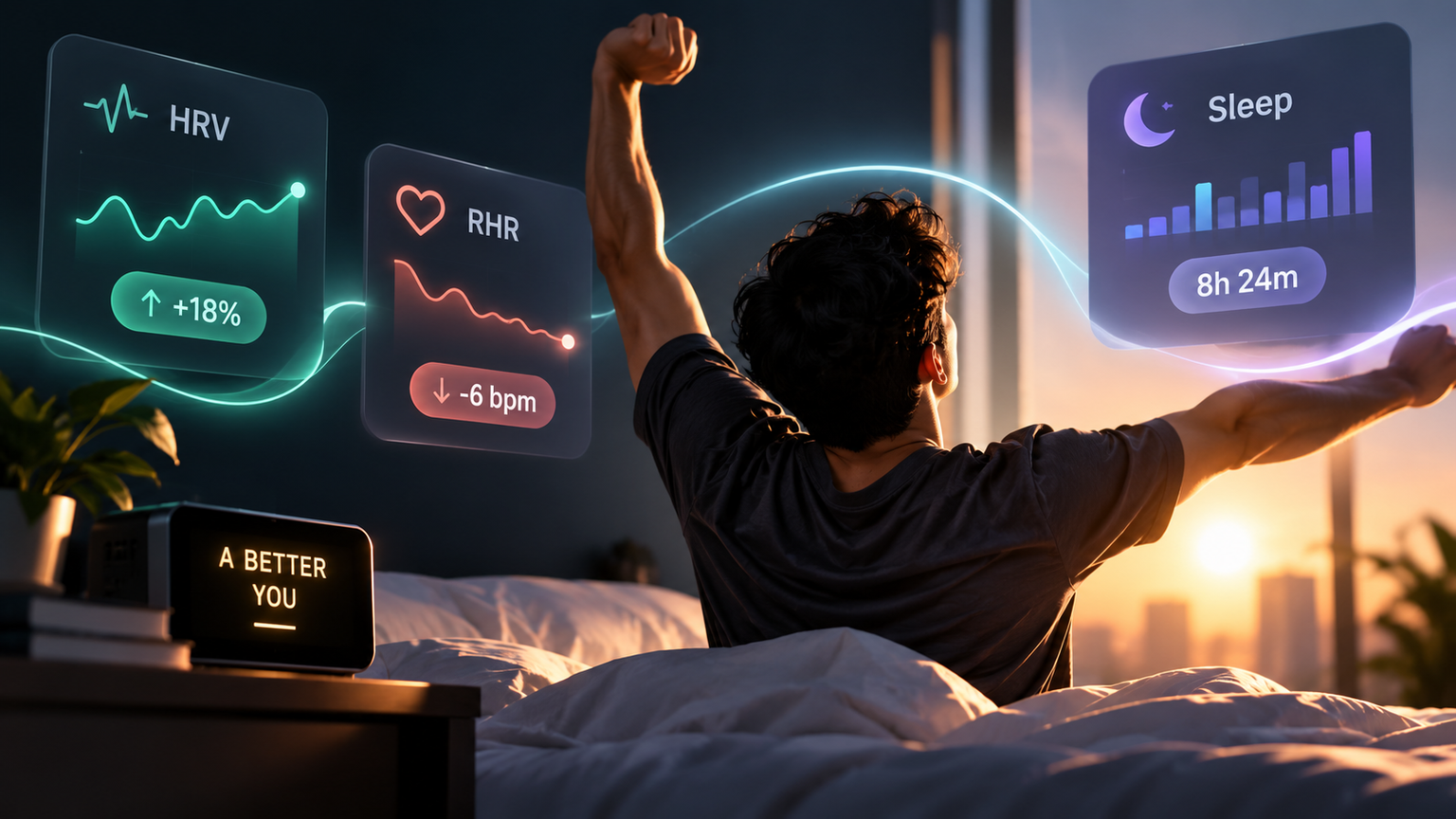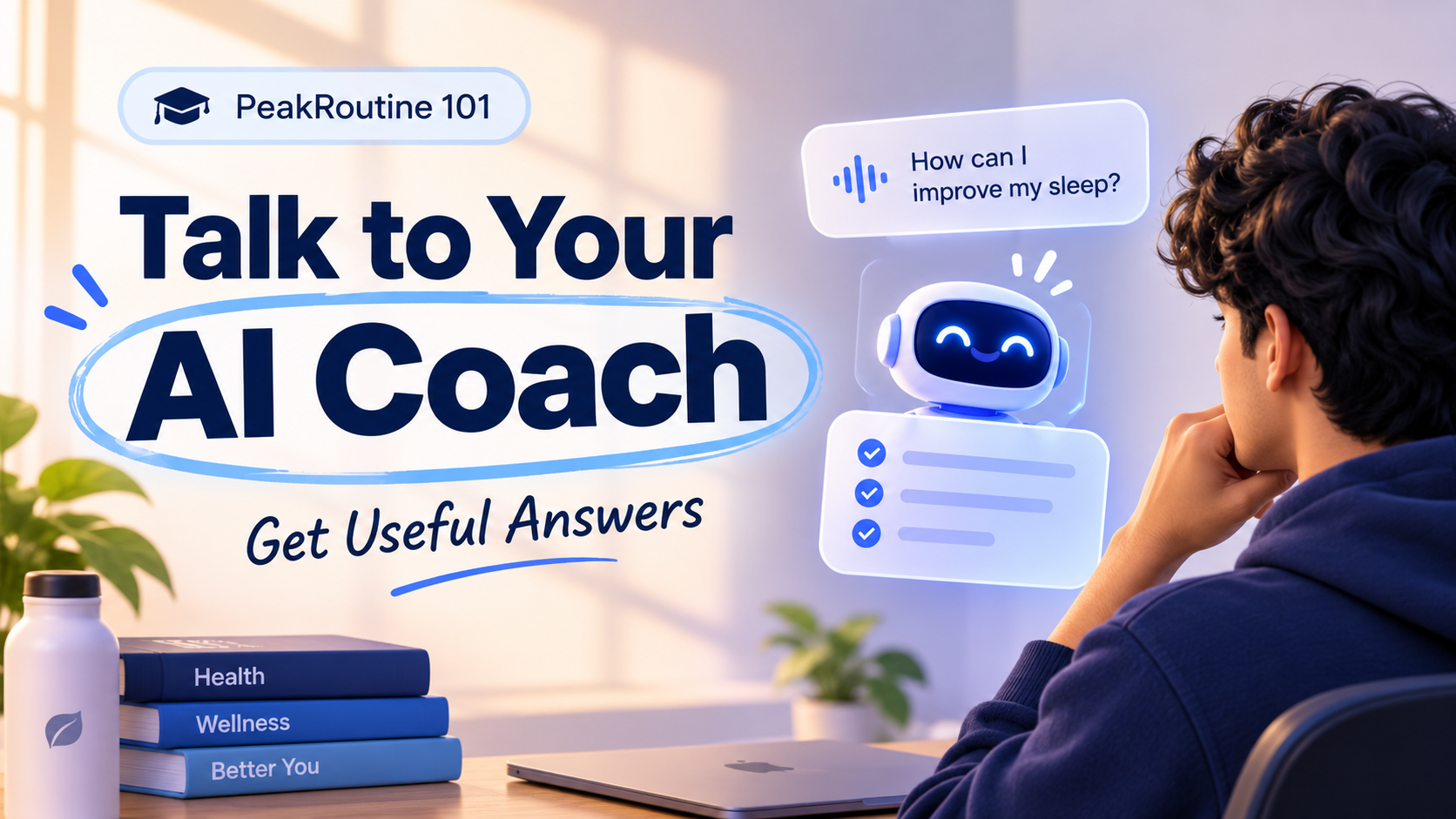
An AI coach connected to your health data can do something no fixed dashboard can: answer the actual question in your head, in plain language, using your real numbers. But there's a skill to it. Ask "how am I doing?" and you'll get something generic. Ask "my HRV has been dropping for five days while my training's been the same — what should I look at?" and you'll get something genuinely useful. The quality of the answer is mostly set by the quality of the question.
This post is a practical guide to getting real value out of an AI coach that can see your data — how to ask, what context to give, and what not to expect.
Why the question matters so much
A fixed dashboard shows you the same charts no matter what. An AI coach is the opposite — it's a conversation, and conversations reward specificity. The difference between a throwaway answer and an insight is almost entirely in how you frame the ask.
Vague in, vague out. "Am I healthy?" has no good answer — it's too broad, and the coach doesn't know what you actually care about today. The fix is to treat it less like a magic oracle and more like a sharp analyst who happens to have all your data in front of them: give them a real question, the relevant context, and what you're trying to decide.
The four habits of a good question
1. Be specific about the metric and the timeframe. "What's happened to my deep sleep over the last two weeks?" beats "is my sleep okay?" Naming the metric and the window gives the coach something concrete to analyze.
2. Give context the data can't see. Your data shows what happened; you know why. "I started a new job last week" or "I've been traveling" or "I added two lifting sessions" are exactly the clues that turn a flat observation into a real explanation. The best insights come from combining your data (which the coach has) with your life (which only you have).
3. Ask "why" and "what should I do," not just "what." The weak question is "what's my HRV?" — you can read that off a screen. The strong questions are "why might my HRV be trending down?" and "what should I change given that?" Push the coach toward interpretation and action, which is where it adds value over a chart.
4. Ask it to connect things. The real superpower of a data-connected coach is cross-referencing signals a single-purpose app keeps siloed. "Is there a relationship between my late dinners and my deep sleep?" or "does my HRV track with my training load or my alcohol?" are questions that force it to find patterns across your data — exactly what a fixed dashboard can't do.
Question templates that work
Steal these patterns:
- The diagnostic"My [metric] has been [trend] over [timeframe]. I've also been [context]. What might be driving it?"
- The correlation"Is there a pattern between my [X] and my [Y]?" For example alcohol and HRV, steps and mood, late meals and deep sleep.
- The decision"Given my recovery this week, should I [train hard / rest / deload] today?"
- The check-in"What's the one thing in my data most worth my attention this week?"
- The experiment"I'm going to try [change] for two weeks — what should I watch to tell if it's working?"
Notice they all share a shape: a specific signal, your context, and a decision or explanation you want. That's the formula.
What to expect — and what not to
Getting the most out of an AI coach also means understanding its limits, honestly:
- It's a wellness tool, not a doctor. An AI coach can help you understand patterns and make lifestyle decisions. It cannot diagnose conditions, and it shouldn't be asked to. Persistent or concerning symptoms belong with a healthcare professional, full stop.
- It's only as good as your data. If a metric is missing, sparse, or your wearable isn't syncing, the coach is working with gaps. Good data in, good answers out.
- Correlation isn't proof. When a coach spots that two things move together, that's a hypothesis to test — a prompt to run an experiment — not a settled fact. Treat its patterns as leads.
- It won't replace your judgment. The coach surfaces and explains; you decide. How you feel is still data the numbers don't fully capture.
Used with those expectations, it's a genuinely powerful thinking partner. Used as an oracle, it'll disappoint — not because it's weak, but because that's the wrong job for it.
The bigger picture
The shift from a fixed dashboard to a conversational coach is a shift in who's doing the interpreting. A dashboard decides in advance what to show you; a coach answers what you actually ask. That puts a little responsibility on you — to ask well — in exchange for far more flexibility and relevance.
This is the core of how PeakRoutine's AI coach works: it reads your real data — sleep, HRV, activity, recovery, the habits you log — and answers your questions about your body in plain language. Bring it a specific question with real context, and it'll turn your scattered metrics into a next move. That's the whole thesis: tracking is solved; turning it into action is the part worth the conversation.
FAQ
How do I get better answers from an AI health coach?
Be specific about the metric and timeframe, give context the data can't see (a new job, travel, a training change), ask "why" and "what should I do" rather than just "what," and ask it to connect signals (like whether your alcohol tracks with your HRV). Vague questions get generic answers; specific, context-rich questions get genuinely useful ones.
What can an AI coach that reads my data actually do?
It can interpret your trends in plain language, explain likely drivers of a change by combining your data with the context you provide, cross-reference signals that single-purpose apps keep separate, and help you make lifestyle decisions and design experiments. It cannot diagnose medical conditions, isn't a substitute for a doctor, and is only as accurate as the data it can see.
Can I trust what an AI coach tells me about my health?
Treat it as a knowledgeable thinking partner, not an oracle or a doctor. Its pattern-spotting is a hypothesis to test, not proof, and correlation it finds isn't causation. It's a wellness tool for understanding and decisions — persistent or concerning symptoms should always go to a qualified healthcare professional.