Connect Apple Health
One permission, and your history comes with it.
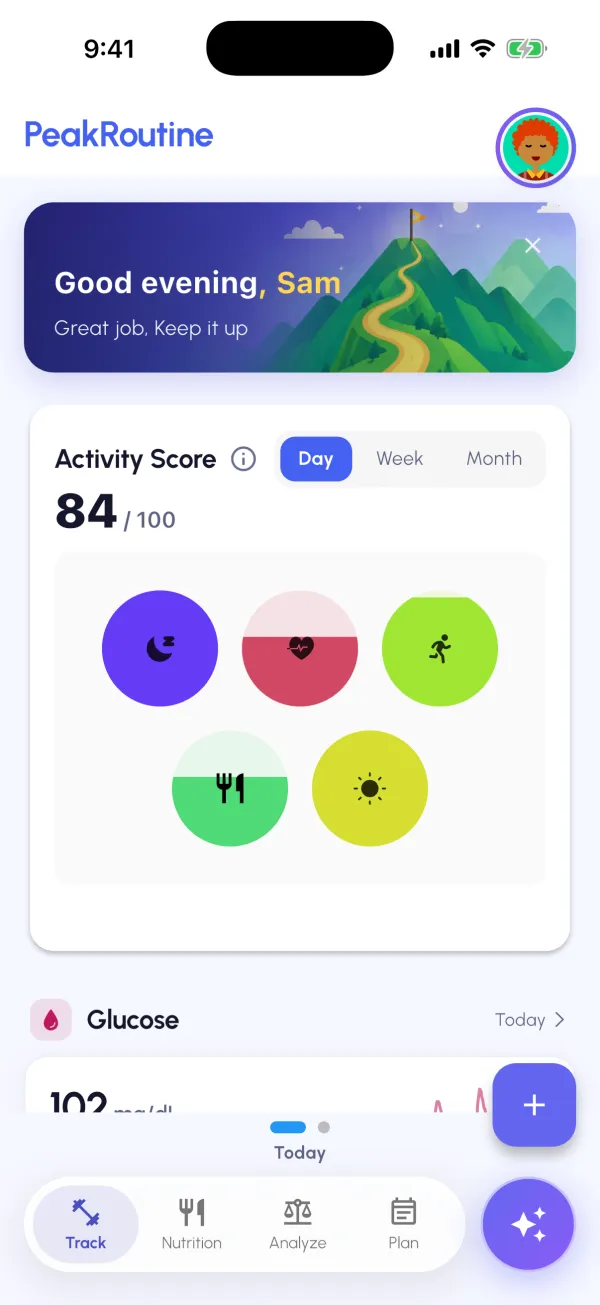
Give PeakRoutine read access to Apple Health once. Sleep and HRV from your Watch or ring, steps and workouts, heart rate, and glucose from a CGM or meter all flow in, including what you’ve already recorded, and keep syncing.
- Sleep stages, HRV and resting heart rate
- Steps, workouts and active minutes
- Glucose from any app that writes to Apple Health
84 / 100activity score, day one
Log the rest in seconds
Meals, mood, energy, water, glucose and labs.
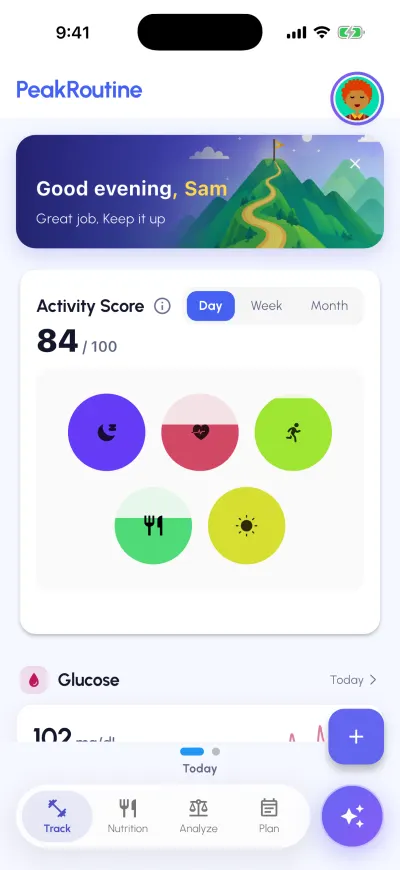
Meals have their own tab: search a food, snap your plate, describe it in a sentence or repeat a favourite. Everything else is one tap from the + button: your energy, mood, a private journal entry, water and caffeine, a glucose reading, or a lab report by photo or PDF that you check before it’s saved.
- Four ways to log a meal
- Energy, mood and a private journal
- Water, caffeine and glucose readings
- Lab reports by photo or PDF
6 quick logsone tap from the + button
See what connects
Patterns from your own data, not averages.
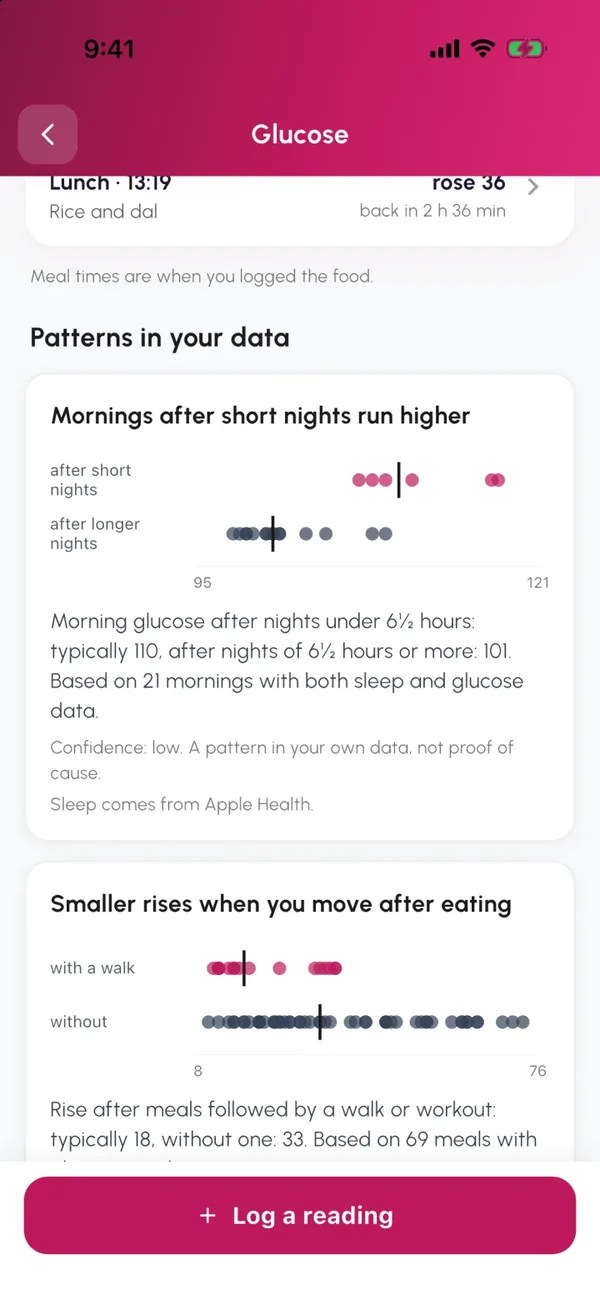
After a couple of weeks, PeakRoutine sets your days side by side: how a short night shows up the next morning, how a walk after eating changes the rise, which days leave you flat. Each pattern says how much data it’s based on.
- Sleep, food, movement and mood, compared
- Every pattern shows how many days it’s based on
- Plain words when there isn’t enough data yet
110 vs 101mornings after short vs longer nights
Act with your AI coach
Answers from your numbers, and one small plan.
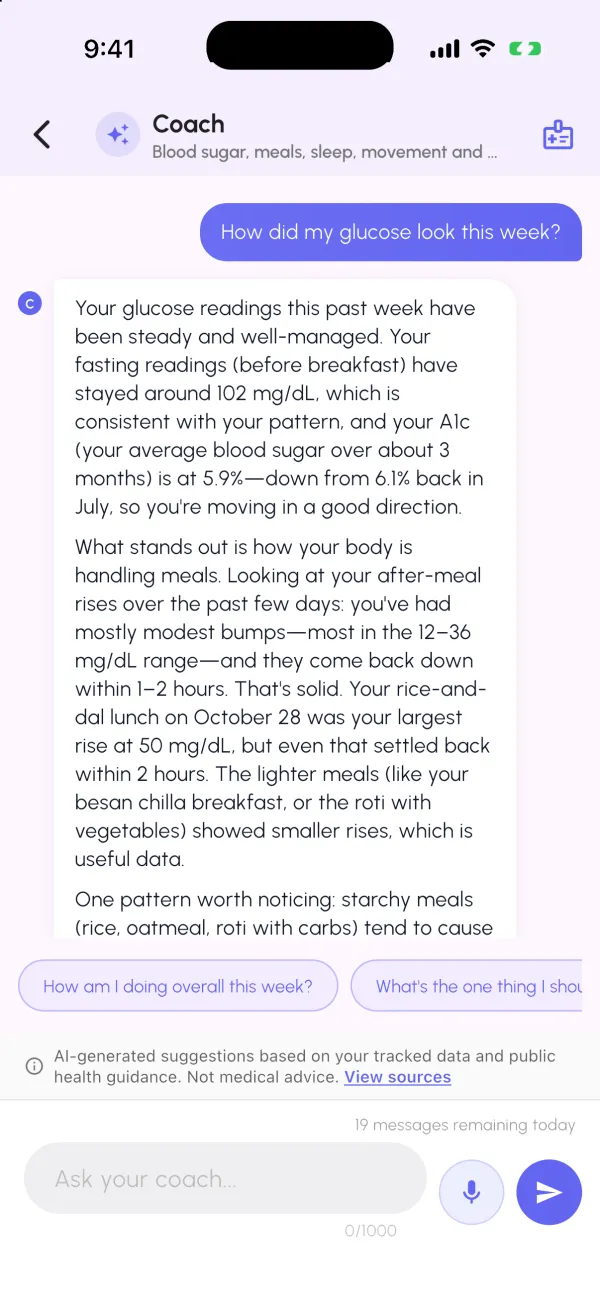
Ask anything in plain English and the coach answers from your sleep, meals, movement, check-ins and labs. Each week it suggests one or two habits sized to the days you can commit, then shows how they went.
- Answers that cite your numbers
- A weekly plan of one or two habits
- AI personalization is off until you turn it on
Cites your numbersfasting near 102 mg/dL